Thursday, 29 March 2012

EPFO Ahmedabad launches Online Chat support

EPFO Ahmedabad has started Online support through chat scheduled (11am-1pm) on working days.
As seen on their website .

EPFO How to check Claim status online

How to check you claim status online.

EPFO INDIA How to check your PF Balance Online

How to check you PF balance online.

Using e-return Tool Videos

 
INSTALLATTION


ESTABLISHMENT MASTER
 EMPLOYEE MASTER
 Courtesy:  Sanjay(Surat).

EPFO Employer E-Sewa Registration common problem & solutions

If you are not able to register with EPFO E-sewa portal, please go through the following points.
  • Is the Establilshment Code No. correct. It is of the form GJ/AHD/123456 or GJ/AHD/2345/A for an establishment remitting contribution in Ahmedabad, Gujarat.
  • Do not add zeros with Estt code, i.e. use 12345 not 0012345.
  • If your Est code has extension use that digit only, i.e. for code No. 2345/A enter 2345 in Code No. and A in extension, do not use '00A'.
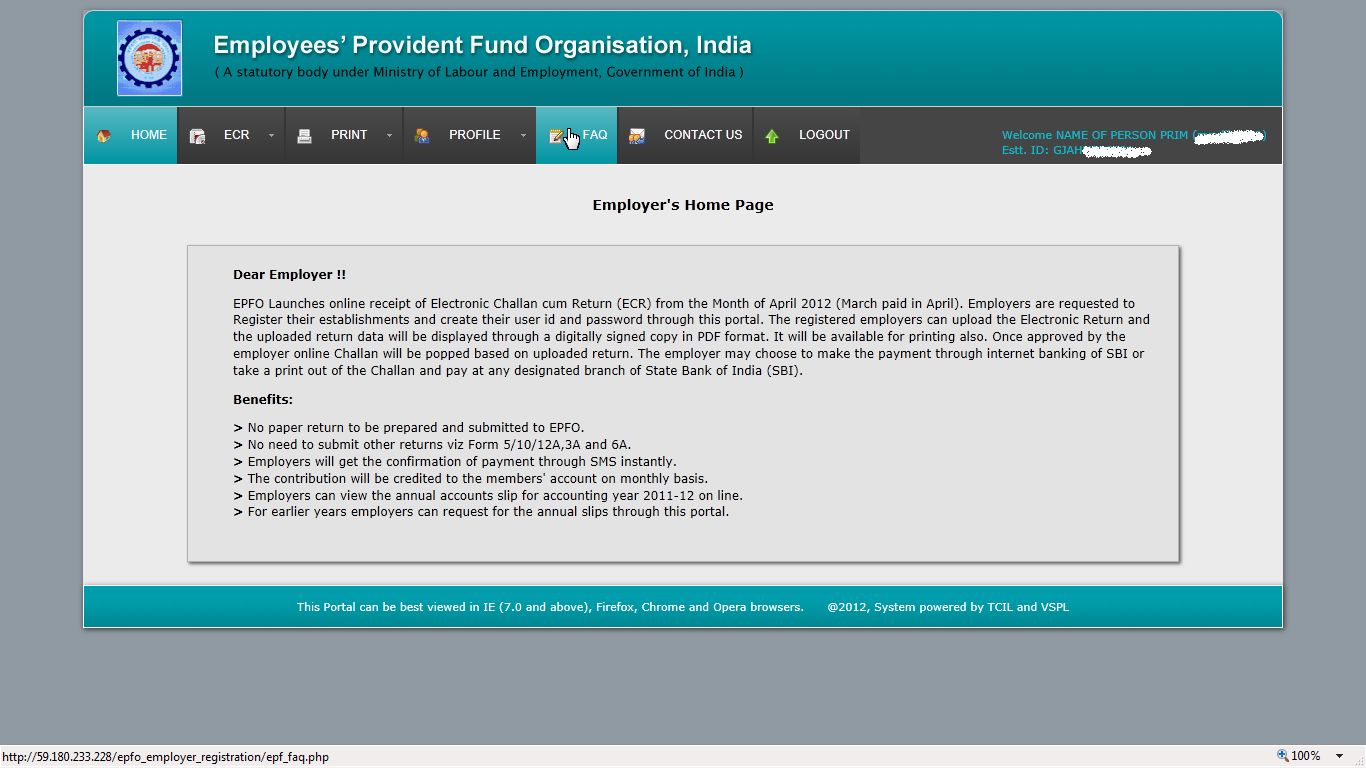
  • If you have never applied for registration but system shows already registered you may consider sending printed request,auto generated by clicking on the ling (screenshot below), with signature of authorised (for PF) person of the Establishment to reset the details of your est code.
Please feel free to comment/ask.

Saturday, 24 March 2012

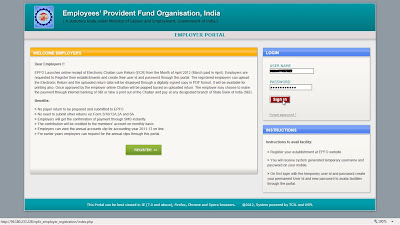
EPFO Employer E-Sewa (Registration)


Choose the State where your establishment is registered.

Enter the code no of your establishment. Note do not add Zeros '0' i.e if your code No.is 1234 it should be entered as 1234 not 0001234 the same applies to extension only if you do have extension with code no enter the character of extension do not add zeros '0', this applies to first time registration only.
Click on Get Detail and details of the Establishment should be displayed below. Verify the details.
Feed the details of the authorised person including Mobile No. (The number should be active and accessible to you to continue with registration.)
Click on GET PIN and you should receive a pin number on the mobile no you have entered.

Feed the pin and click on Register.

On the login page enter the temporary registration details to sign in.


Use the page to create your permanent Log-in detail.

After the login has been created you should receive a sms confirming the same.


Finally login with your permanent login to access the employers page.
Here are the available menus.



Thursday, 22 March 2012

EPFO Launches E-sewa

EPFO has launched its new online return filing and online payment facility. More details at here.
Keep in touch for more details on how to register through the portal.